
888starz Casino: Create a New Account and Start Playing
A registered account is required to access real-money games, tournaments, and promotions on 888starz.
Only one active account per player is permitted, and all players must meet the minimum age requirement to register.
Complete your first deposit after sign up and claim a welcome package of up to 1,000,000 SOS plus 150 Free Spins.
888starz Registration: Step-by-Step Guide
Only players who meet the minimum age requirement and do not already hold an active account may complete the registration process on 888starz.
Click the Registration Button
Select the “Register” button on this page to open the official 888starz sign up form.
Choose Your Registration Method
Pick one of the available options: one-click sign up, registration by phone number, by email address, or via social media account.
Enter Your Personal Details
Provide your full name, date of birth, country of residence, and a valid email address or phone number depending on your chosen method.
Set Your Account Currency and Password
Choose your preferred account currency, such as SOS, and create a secure password to protect your personal account.
Confirm and Submit
Agree to the Terms and Conditions, confirm you meet the minimum age requirement, and submit your registration to activate your new 888starz account.
How to Log In to Your 888starz Account
Accessing your 888starz account takes under a minute once your registration is complete.
- Open the Login Page: Click the “Login” button on this page to open the sign in form on the official 888starz platform.
- Enter Your Credentials: Type in the email address or phone number linked to your account, along with your password.
- Complete Security Verification: If prompted, complete any two-factor authentication step or CAPTCHA to confirm your identity.
- Click Sign In: Press the login button to access your personal account dashboard.
- Recover Access if Needed: If you have forgotten your password, use the “Forgot Password” link on the sign in form to reset it via your registered email or phone number.
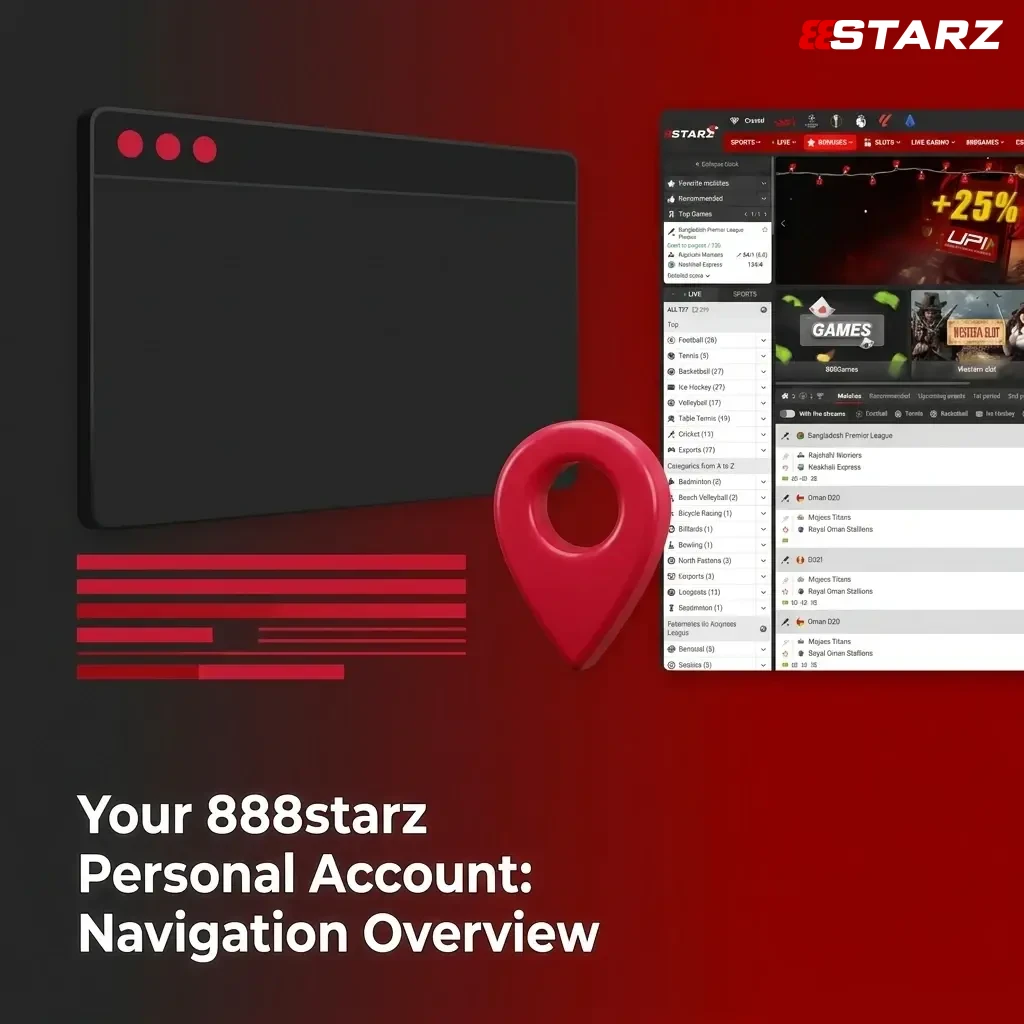
Your 888starz Personal Account: Navigation Overview
After you sign in, the account dashboard gives you direct access to all key functions from one central panel. The navigation menu is available at all times, allowing you to manage deposits, withdrawals, bonuses, and personal settings without leaving the platform.
- Deposit: Add funds to your account using your preferred payment method, with transactions processed in Somali Shilling (SOS) and other supported currencies;
- Withdrawal: Request a payout to your chosen payment method directly from your account balance;
- Bonus Section: View all active bonuses, free spins, and promotional offers linked to your account, including your current welcome package progress;
- Bet History: Review a full record of all sports bets and casino game sessions placed from your account;
- Transaction History: Access a detailed log of every deposit, withdrawal, and bonus transaction;
- Responsible Gambling Tools: Set deposit limits, session time limits, or request a self-exclusion period from within your account;
- Personal Settings: Update your contact details, change your password, and manage notification preferences;
- Verification (KYC): Upload identity documents and track the status of your account verification from this section;
- Loyalty Programme: Check your current loyalty tier, accumulated points, and available rewards;
- Logout: End your current session securely from any device.
Managing Private Settings in Your 888starz Profile
Your account settings section allows you to update personal information such as your registered email address, phone number, and physical address at any time. You can change your login password by navigating to the security settings tab and following the on-screen steps to create a new one. Notification preferences, including promotional emails and SMS alerts, can be enabled or disabled from the same settings panel. If you need to update your account currency or linked payment details, contact the support team directly through the platform’s live chat feature.
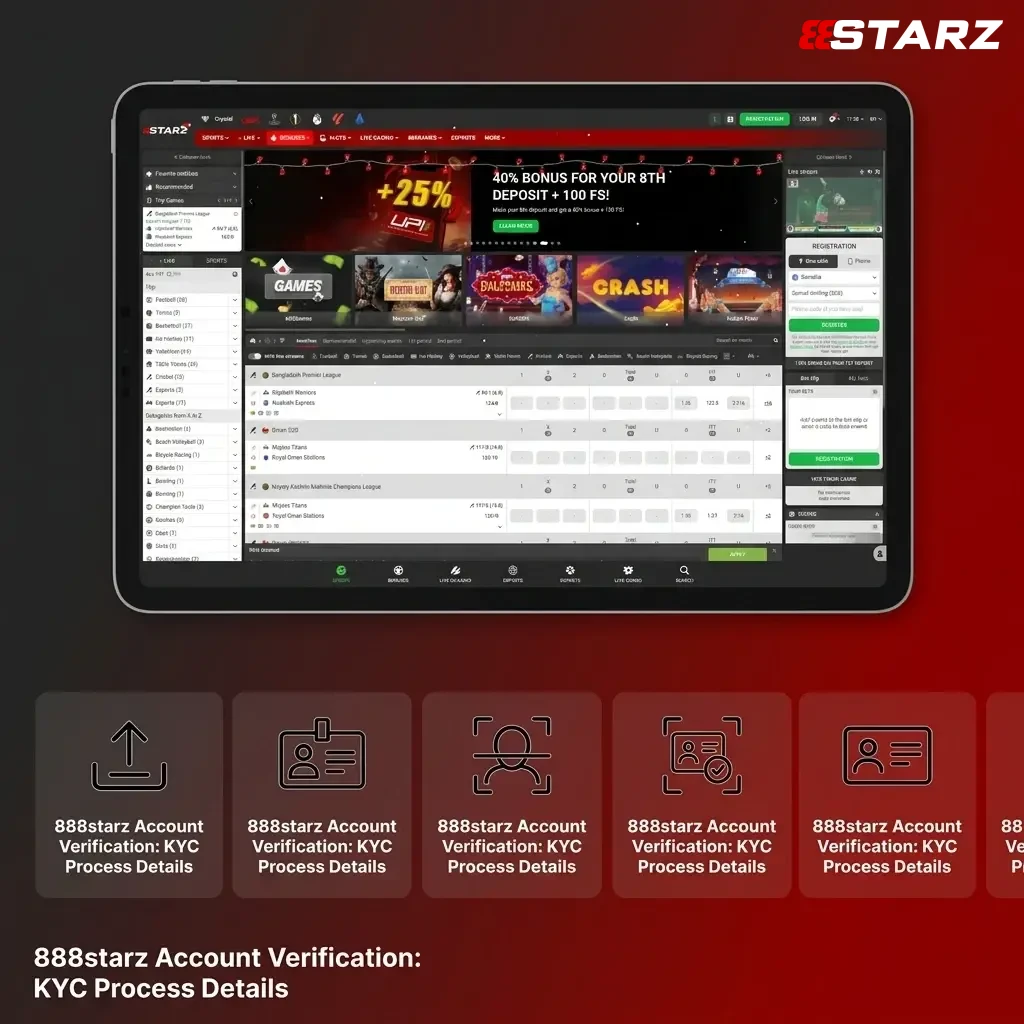
888starz Account Verification: KYC Process Details
Verification is required to confirm your age and ensure no duplicate accounts exist on the platform.
- Access the Verification Section: Log in to your account and navigate to the KYC or Verification tab within your personal account dashboard.
- Submit a Government-Issued ID: Upload a clear photo or scan of a valid national identity card, passport, or driver’s licence to confirm your identity and date of birth.
- Provide Proof of Address: Upload a utility bill, bank statement, or official government document issued within the last 3 months that clearly shows your name and residential address.
- Submit Payment Method Verification: If requested, provide documentation confirming ownership of the payment method linked to your account, such as a screenshot of your mobile wallet or a bank card photo.
- Await Confirmation: The verification team reviews submitted documents and sends a confirmation to your registered email address once the process is complete.
Countries and Territories Restricted from 888starz Registration
Certain jurisdictions are excluded from the registration process due to applicable regulatory and licensing requirements.
- United States of America;
- United Kingdom;
- France and its overseas territories;
- Netherlands and its overseas territories;
- Australia;
- Spain;
- Germany;
- Italy;
- Denmark;
- Sweden;
- Belgium;
- Switzerland;
- Czech Republic;
- Latvia;
- Israel.
FAQ
Can I register more than one account on 888starz?
No. Each player is permitted to hold one active account only. Duplicate accounts are a violation of the platform’s terms and conditions and may result in account suspension along with forfeiture of any associated bonuses.
What currency can I use when I create an account in Somalia?
Players based in Somalia can select Somali Shilling (SOS) as their account currency during the sign up process. Other supported currencies are also available at the point of registration.
How long does the KYC verification process take?
Document review is typically completed within 24 to 72 hours of submission. You will receive a confirmation to your registered email address once your account verification is finalised.
What deposit methods are available after I complete my 888starz registration?
888starz supports a range of payment methods including bank cards, e-wallets, and mobile payment solutions. The exact options available to you are displayed in the Deposit section of your personal account after you sign in.
What happens to my welcome bonus if I do not complete verification?
Your welcome bonus of up to 1,000,000 SOS plus 150 Free Spins is credited after your first qualifying deposit. Withdrawal of bonus winnings requires completed KYC verification. Accounts that remain unverified may have withdrawal requests suspended until all required documents are approved.
Updated: